Windows
64-bitExtract the ZIP and run ArtArtArt.exe. This earlier playtest predates the new granular graphics controls.
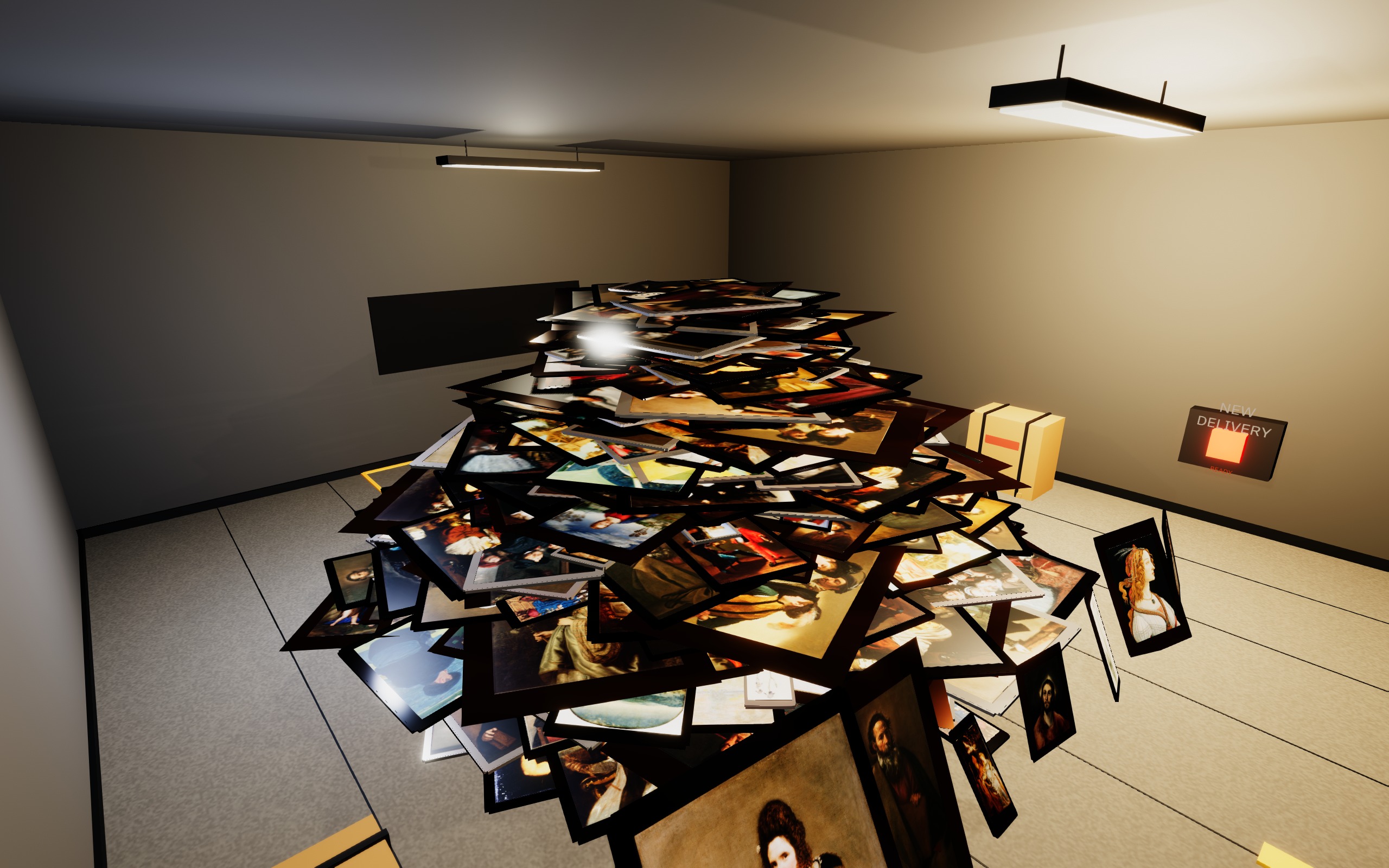
A modest collection.
By our standards.
The basics
Art Art Art is a game about collecting and curating real artworks. Dig through deliveries, pick your favorites, and turn an empty gallery into an exhibition. The choices are yours: what to hang, where to put it, and what you’re willing to sell. The curatorial vision is yours. So is the pile on the floor.
Order artworks, open your delivery, and see what turns up. Inspect each piece before deciding where it belongs.
Carry, rotate, frame, and hang your finds. Place lights and build a room around the work you love.
Invite visitors, see what catches their attention, and choose which offers to accept. Then start your next show.
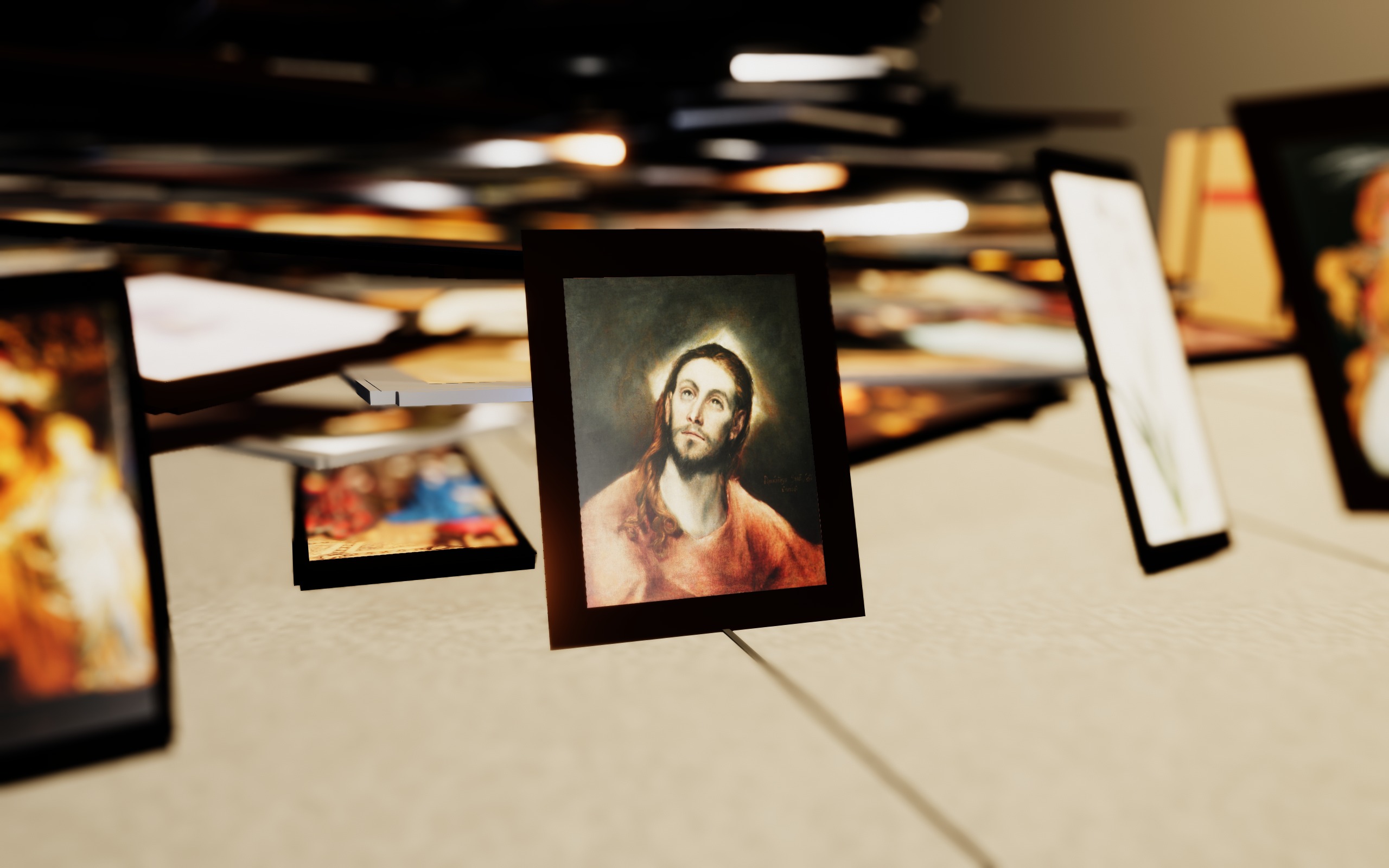
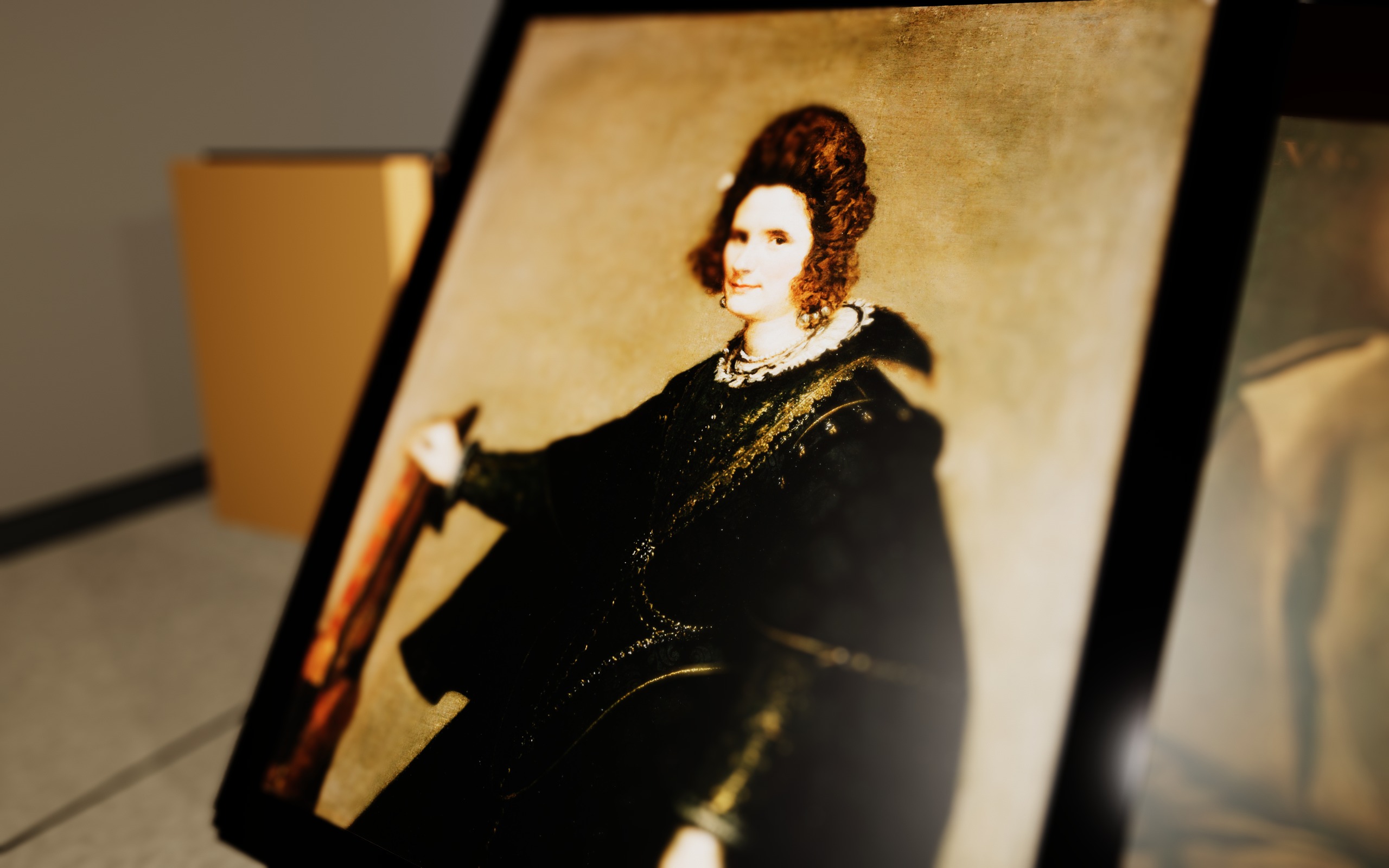
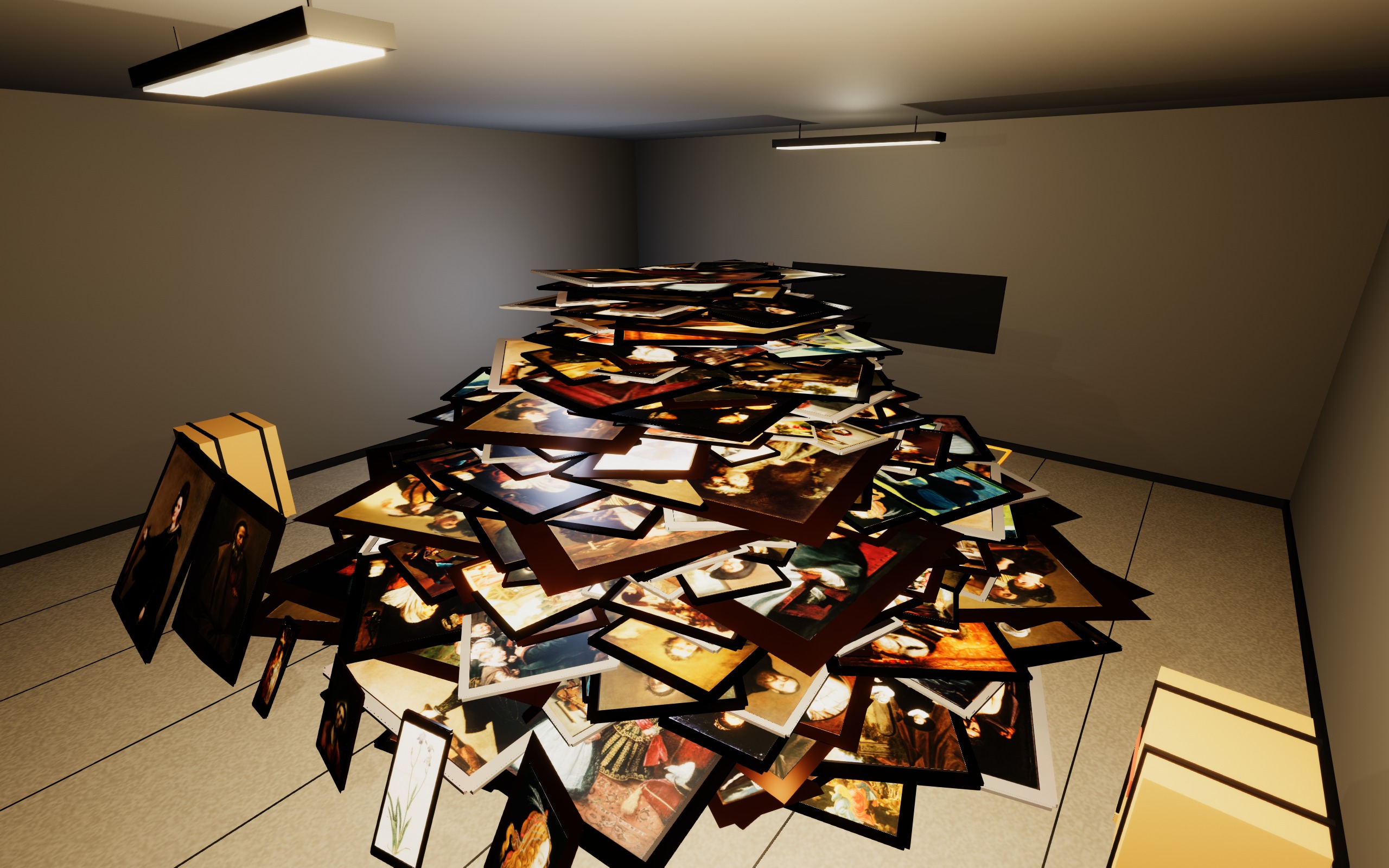
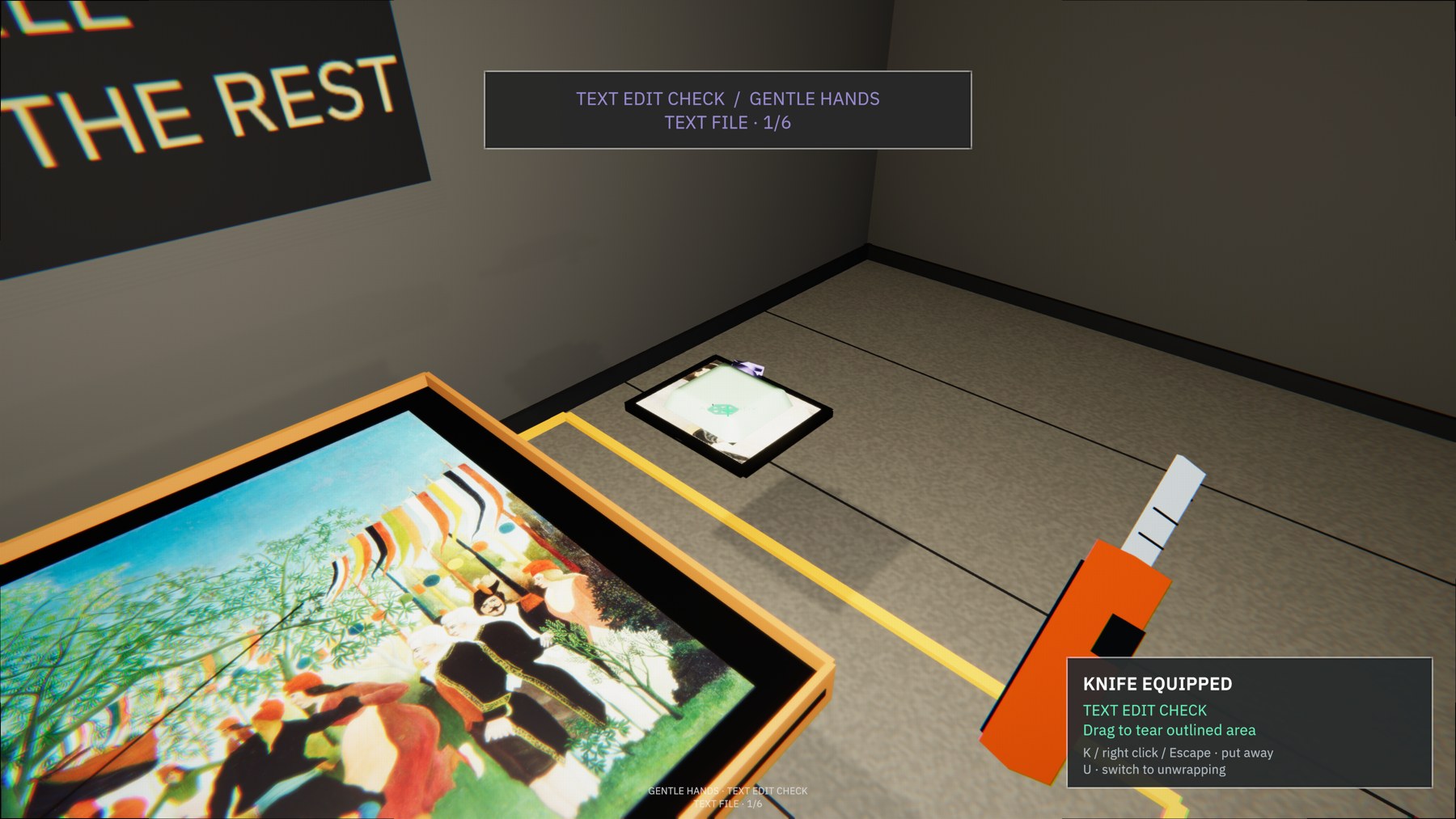
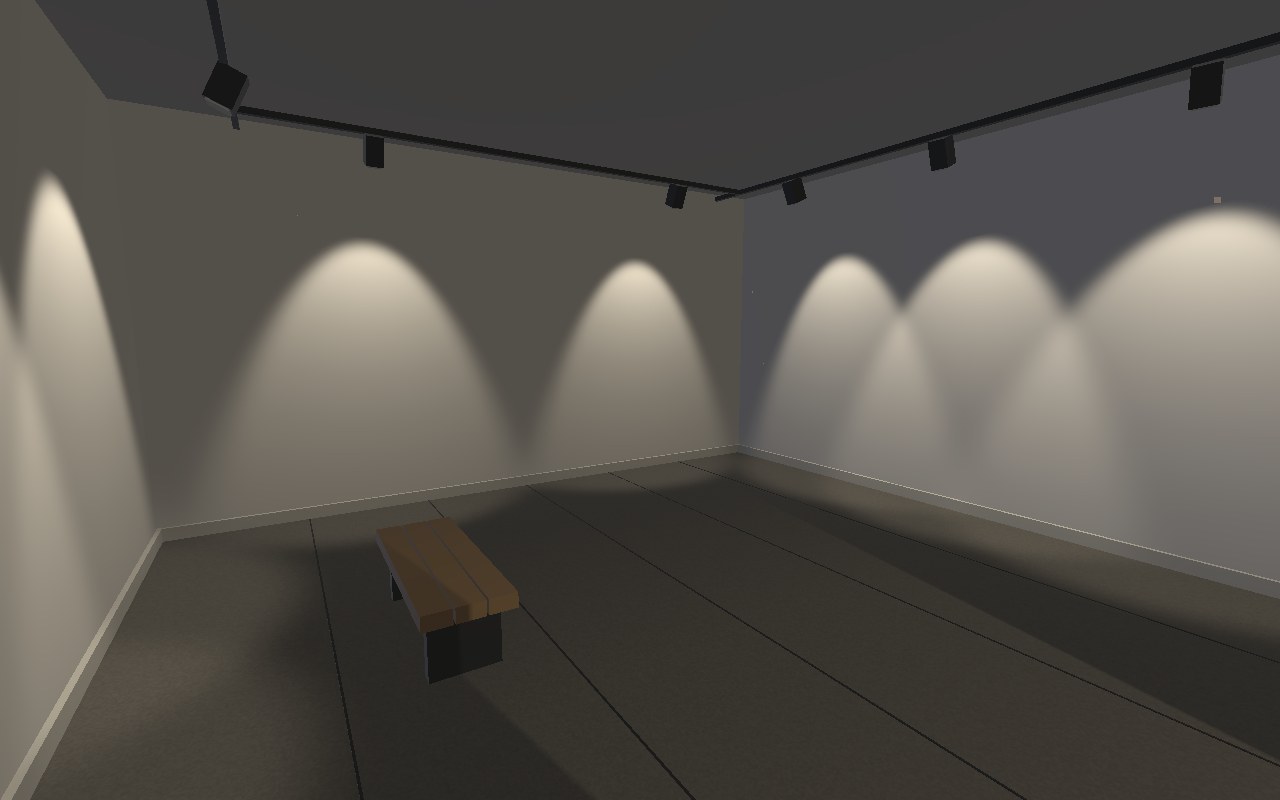
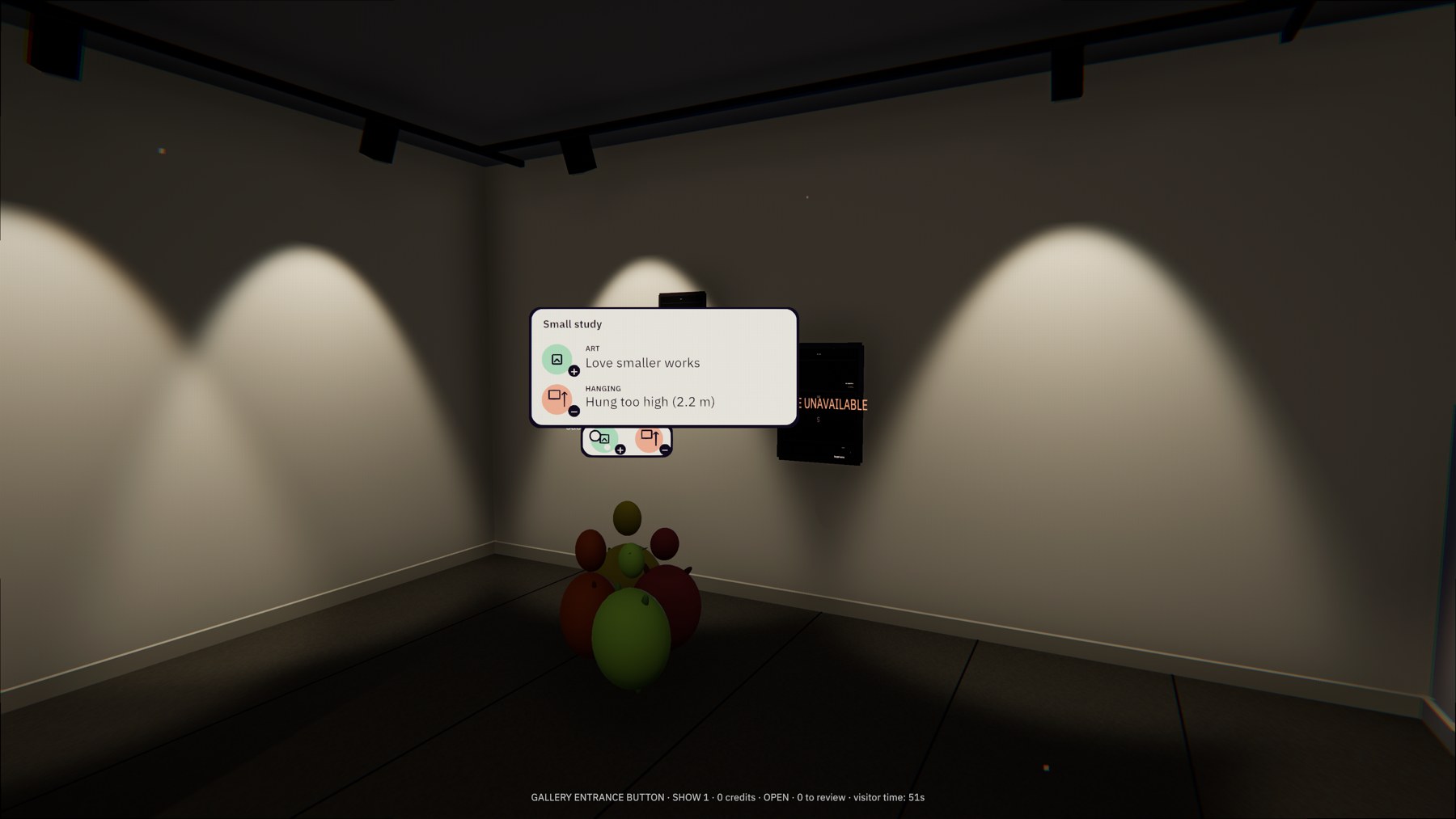
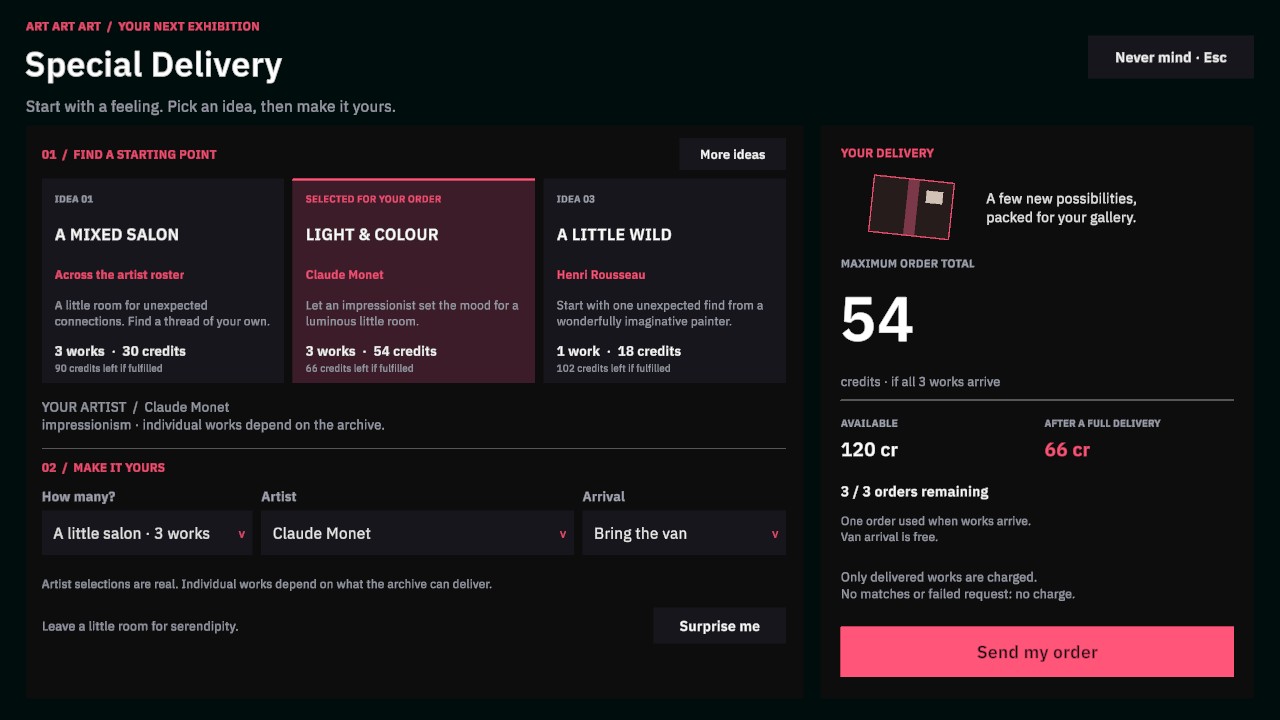
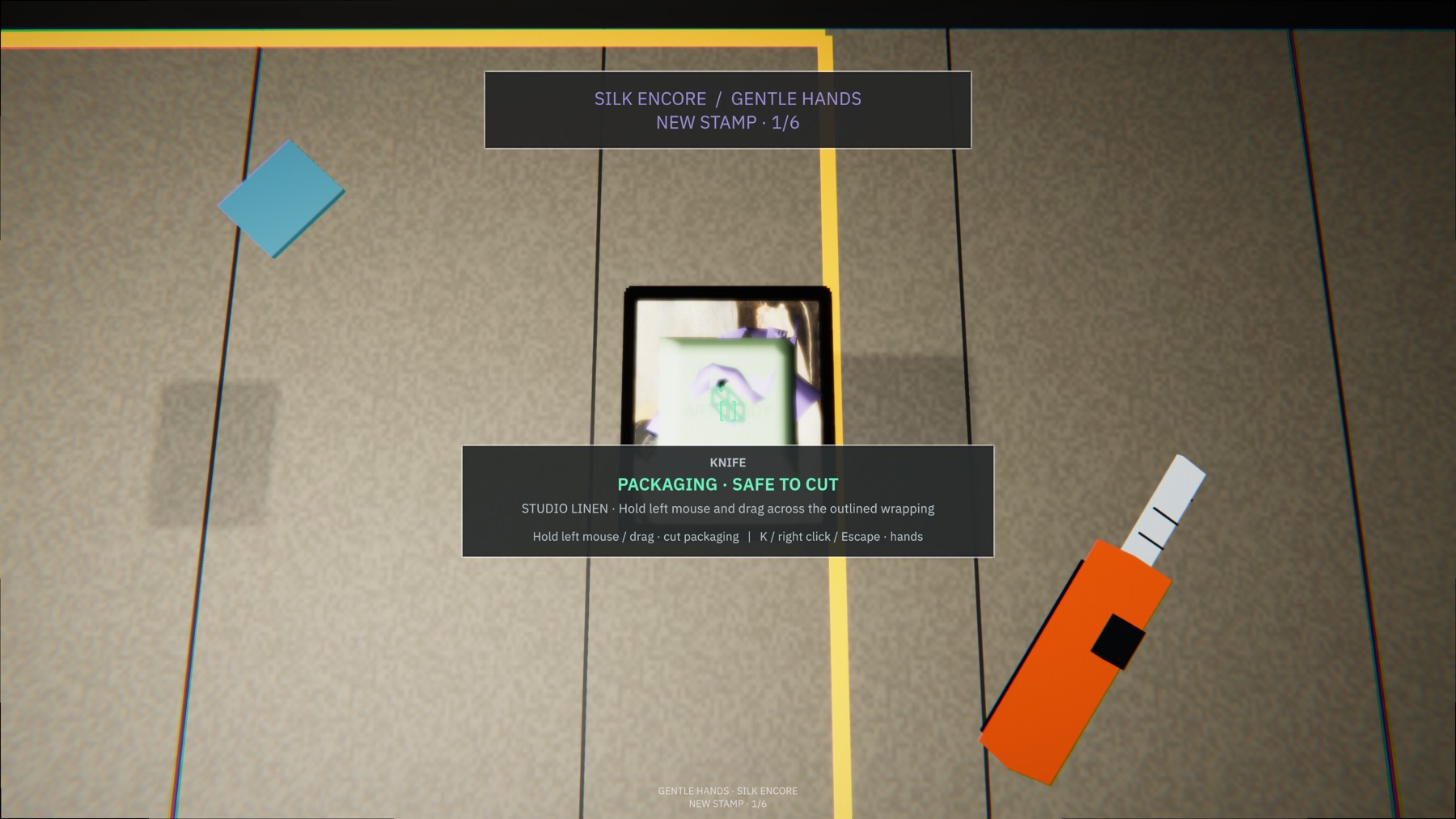
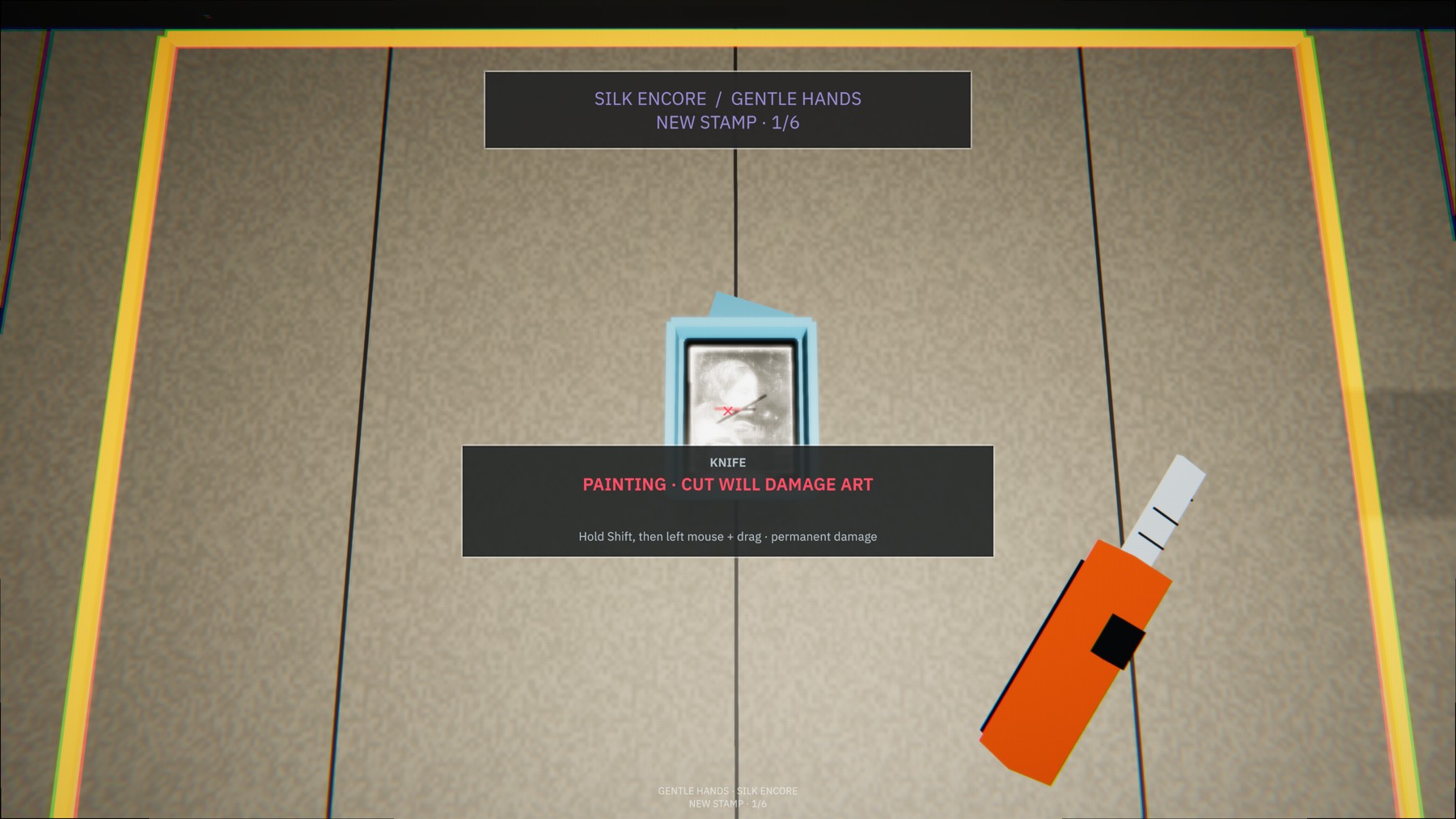
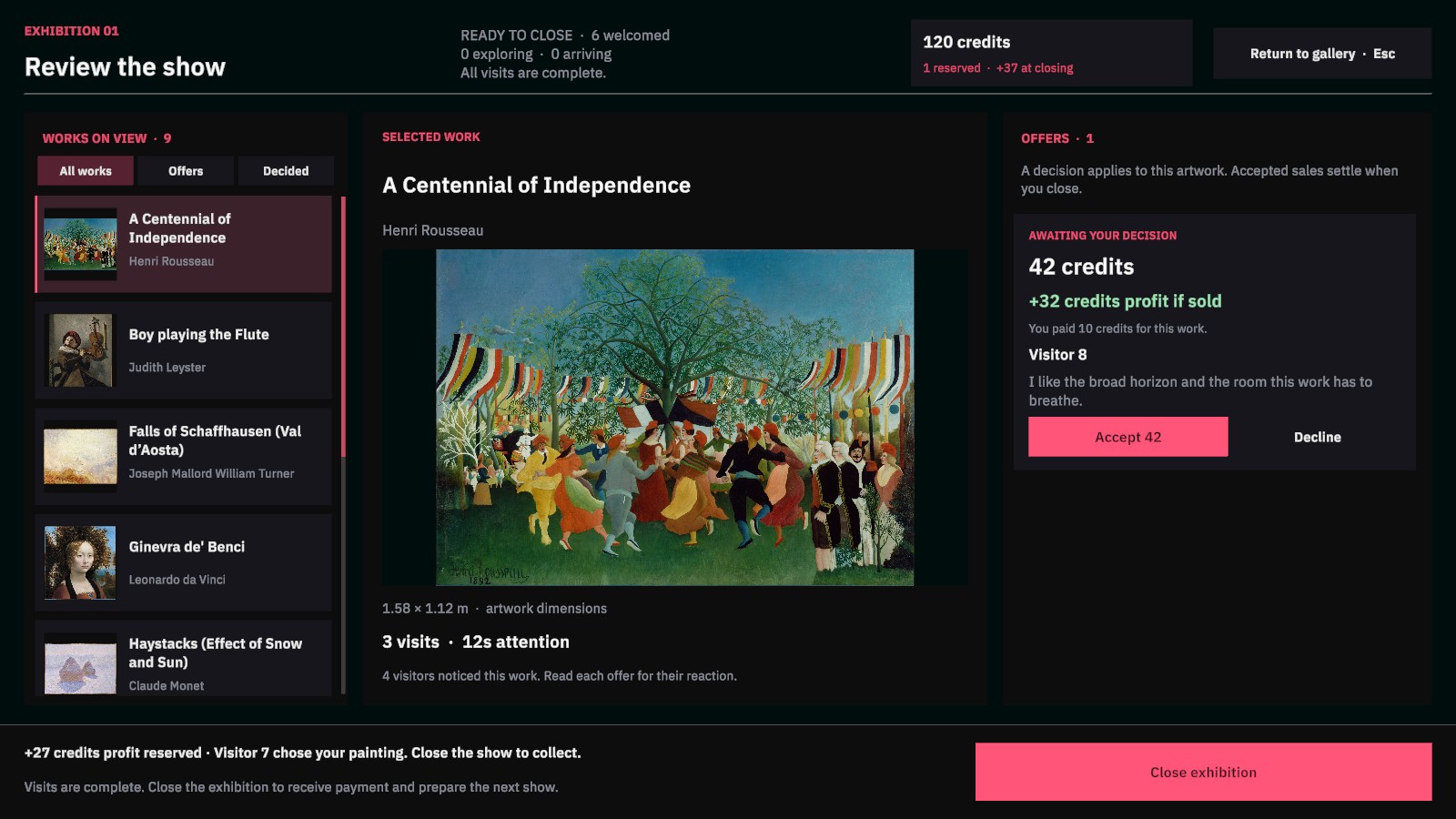
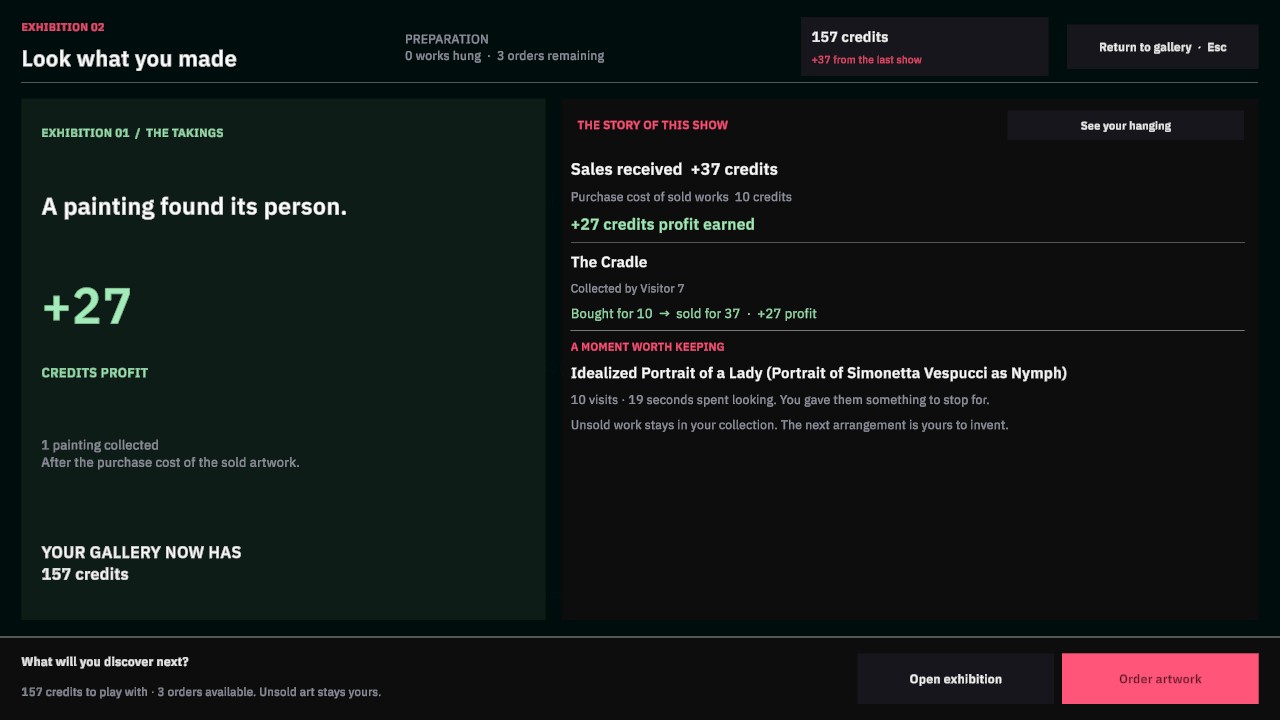
Version 0.2.0 / development playtests
A work in progressPick your platform. These are early builds. Some rough edges are artistic choices; the others are on us. Please keep the whole extracted game folder together.
Extract the ZIP and run ArtArtArt.exe. This earlier playtest predates the new granular graphics controls.
Extract the archive and open ArtArtArt.app. Includes Performance, Balanced, and Custom graphics options. Not notarized; macOS may block opening.
Older Mac? Start with Performance in Pause → Settings, then adjust the effects you want. Hardware performance is still being tested. Linux is experimental; no Linux download is included here.
W A S D to move, mouse to look. Esc opens the menu, settings, and the full controls guide.
Choose Get started from the pause menu for a guided introduction. Order your first delivery, hang a few favorites, then open an exhibition from the gallery desk.
Controller support is included. Use Start / Options → Controls to see the controller map.